YouTube Player That Sticks Around
After seeing an unfortunate amount of Redit threads along the lines of "How to make awesome remember position and size of floating windows" and "How to limit the width of apps" while searching for, well exactly that... and realising that most responses went one of two ways. Either:
No clue bro here is a random snippet of code I found on the internet^TM.Or
Read The Fucking Manual.Absolutely no middle ground. Well after reading the manual, I decided to write this post. The Documentation for the Awesome WM is actually pretty decent, and you should famimilurize yourself with it if you plan on getting into doing any serious customization. If you are just starting to modify your rc.lua head over Here
Things Used:
- Awesome - duh...
- Youtube-DL
- alternatively : yt-dlp
- mpv
Installation:
I'm goin to gloss over the installation of the dependencies pretty lightly, but I'm pretty sure you can find more info if you really have trouble.
Awesome WM
youtube-dl
Curl
sudo curl -L https://yt-dl.org/downloads/latest/youtube-dl -o /usr/local/bin/youtube-dl

sudo chmod a+rx /usr/local/bin/youtube-dl
Pip
sudo -H pip install --upgrade youtube-dl
yt-dlp
Curl
sudo curl -L https://github.com/yt-dlp/yt-dlp/releases/latest/download/yt-dlp -o /usr/local/bin/yt-dlp

sudo chmod a+rx /usr/local/bin/yt-dlp
Pip
pip3 install yt-dlp
mpv
Build from source
cd mpv
meson build
meson compile -C build
meson install -C build
Install from your package manager
sudo apt update
sudo apt install mpv
alternatively you can use either the PPA repo or snap for the more up-to-date version.
sudo add-apt-repository ppa:mc3man/mpv-tests


sudo apt update
sudo apt install mpv
The Actual Good Stuff:
So the actual steps and whatnot to get you started are:
Steps:
- Set rules for mpv player spawning.
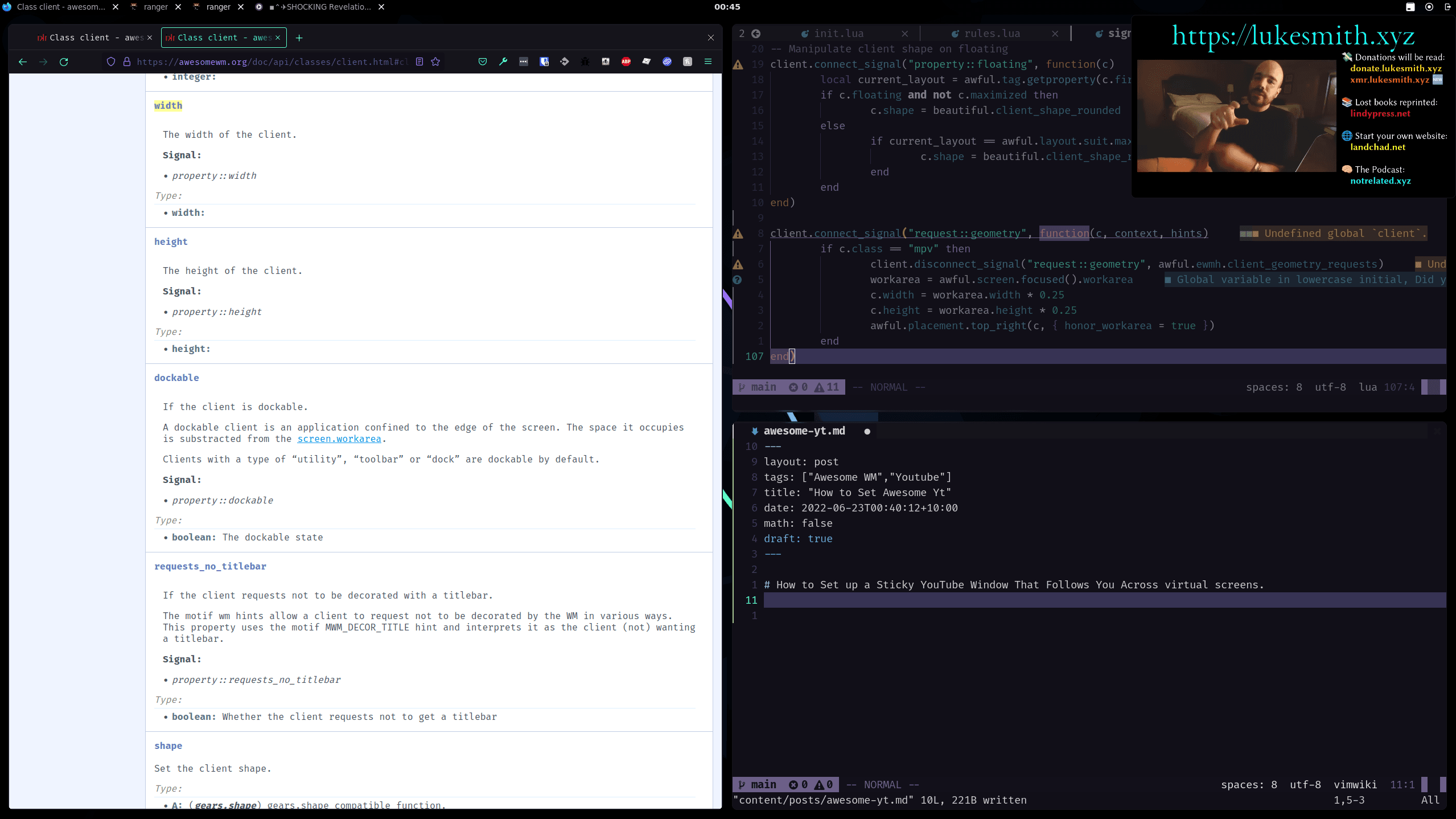
- Set a Signal listener for the mpv players resize signal.
- ???
- Profit.
Awesome mpv Rules
Lua
local awful = require("awful")
local gears = require("gears")
local ruled = require("ruled")
local beautiful = require("beautiful")
local client_keys = require("configuration.client.keys")
local client_buttons = require("configuration.client.buttons")

ruled.client.connect_signal("request::rules", function()

	-- Set up the rules for clients we want to float and follow across tags.
	ruled.client.append_rule({
		id = "sticky_floating",
		-- If you only want this to apply to mpv you can uncomment the following
		-- and delete the rule_any section.
		-- rule = {
		-- 	instance = "mpv",
		-- 	class = "mpv",
		-- 	floating = true,
		-- 	sticky = true,
		-- 	ontop = true,
		-- 	type = "normal"
		-- },
		rule_any = {
			instance = {
				-- "Popup",
			},
			class = {
				"mpv",
			},
			role = {
				-- "pop-up",
			},
		},
		properties = {
			titlebars_enabled = false,
			skip_decoration = true,
			ontop = true,
			floating = true,
			focus = awful.client.focus.filter,
			raise = true,
			sticky = true,
			placement = awful.placement.top_right,
		},
	})
end)
mpv Signal Listener
Lua
local awful = require("awful")
local gears = require("gears")
local beautiful = require("beautiful")


-- Manipulate client shape on floating
client.connect_signal("property::floating", function(c)
	local current_layout = awful.tag.getproperty(c.first_tag, "layout")
	if c.floating and not c.maximized then
		c.shape = beautiful.client_shape_rounded
	else
		if current_layout == awful.layout.suit.max then
			c.shape = beautiful.client_shape_rectangle
		end
	end
end)


-- Set mpvs Size in stone
client.connect_signal("request::geometry", function(c, context, hints)
	if c.class == "mpv" then
		-- client.disconnect_signal("request::geometry", awful.ewmh.client_geometry_requests)
		workarea = awful.screen.focused().workarea
		c.width = workarea.width * 0.25
		c.height = workarea.height * 0.25
		awful.placement.top_right(c, { honor_workarea = true })
		c.ontop = true
	end
end)