Introduction
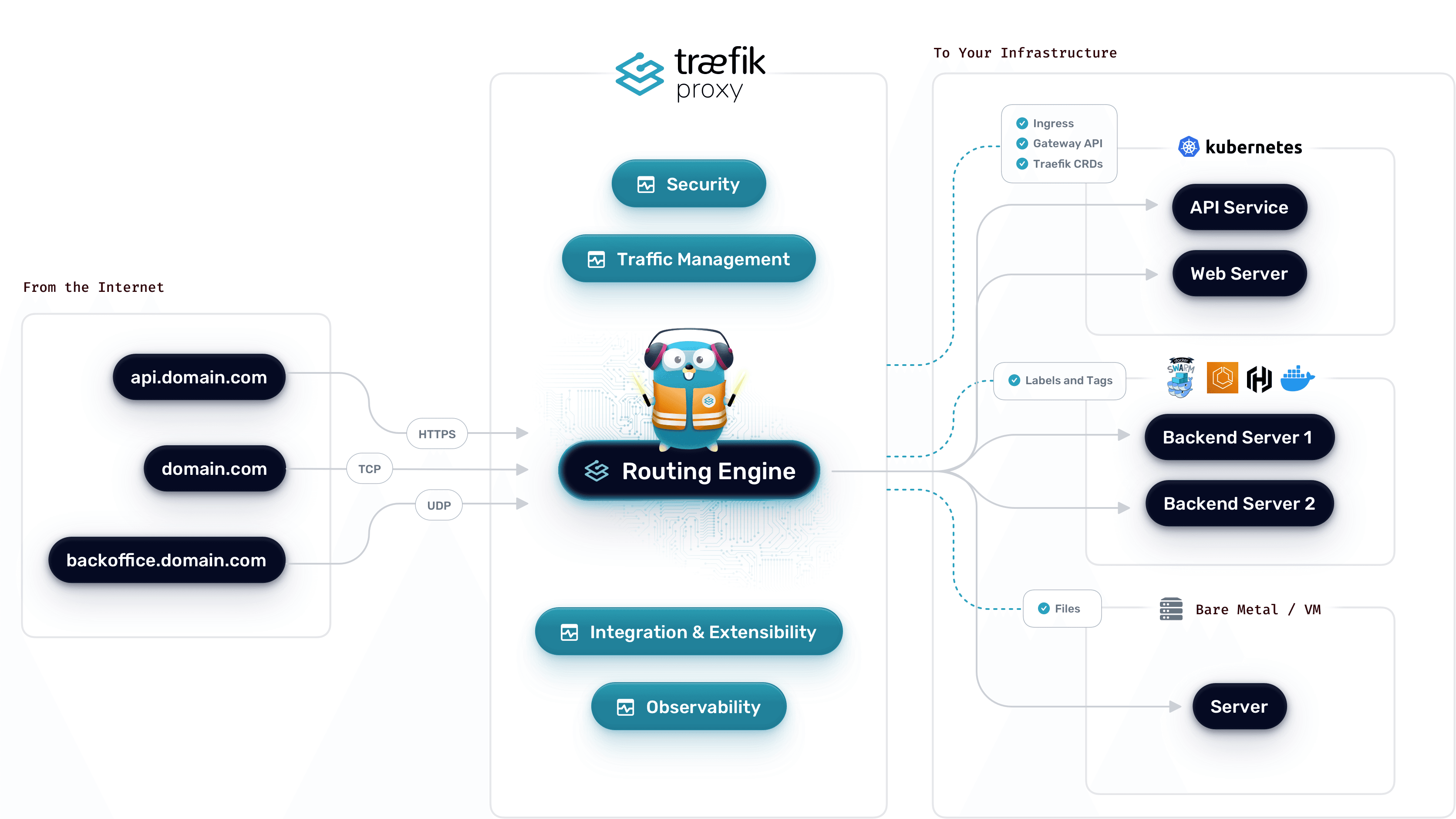
What is Traefik?
What is Step-CA?
What is a Certificate Authority?
Why use a Certificate Authority?
Why use your own Certificate Authority?
Step 1: Create a Docker Compose file
Create your docker-compose.yml
Yaml
version: "3.9"
services:
  step-ca:
    image: smallstep/step-ca
    environment:
      DOCKER_STEPCA_INIT_NAME: Smallstep
      DOCKER_STEPCA_INIT_DNS_NAMES: dev.local,local
      DOCKER_STEPCA_INIT_PROVISIONER_NAME: admin
      DOCKER_STEPCA_INIT_PASSWORD: pass123
    ports:
      - 9000:9000
    volumes:
      - ./data/step-ca:/home/step
Initialization of your step-ca instance
Create your data directory
Bash
mkdir -p "$PWD/data/step-ca" && sudo chown -R 1000:1000 "$PWD/data/step-ca"
Initialize your step-ca instance
Bash
docker run --rm -it -v "$PWD/data/step-ca:/home/step" smallstep/step-ca step ca init
Add your password
Bash
echo <your password here> | sudo tee "$PWD/data/step-ca/secrets/password"
sudo chown -R 1000:1000 "$PWD/data/step-ca/secrets/password"
Start your step-ca Instance
Bash
docker-compose up -d step-ca
Bash
Generating root certificate...
all done!

Generating intermediate certificate...
all done!

✔ Root certificate: /home/step/certs/root_ca.crt
✔ Root private key: /home/step/secrets/root_ca_key
✔ Root fingerprint: f032205...
✔ Intermediate certificate: /home/step/certs/intermediate_ca.crt
✔ Intermediate private key: /home/step/secrets/intermediate_ca_key
✔ Database folder: /home/step/db
✔ Default configuration: /home/step/config/defaults.json
✔ Certificate Authority configuration: /home/step/config/ca.json

Your PKI is ready to go. To generate certificates for individual services see 'step help ca'.

FEEDBACK 😍 🍻
The step utility is not instrumented for usage statistics. It does not
phone home. But your feedback is extremely valuable. Any information you
can provide regarding how you’re using step helps. Please send us a
sentence or two, good or bad: feedback@smallstep.com or join
https://github.com/smallstep/certificates/discussions.
Check service health
Bash
curl https://localhost:9000/health
Enable ACME provisioner
Bash
docker-compose exec step-ca step ca provisioner add acme --type ACME
docker-compose restart
Add CA to your development environment
Bash
step ca bootstrap --ca-url https://localhost:9000 --install --fingerprint <fingerprint-acquired>
Bash
step ca bootstrap --ca-url https://localhost:9000 --install --fingerprint f0322055102894cae067c9e23ed3139f670f39c54233a5012f2c723614868d58
Create a sample certificate for localhost
Bash
step ca certificate site.myhost.local site_home_local.crt site_home_local.key
Run traefik first
Bash
docker-compose up -d traefik && \
sleep 10 && \
docker-compose up -d whoami
Featured Image