Timecraft brings tasks, habits, and connected calendars into one planner. Built around a Next.js interface, Go services, and a separate scheduling solver, it combines hands-on planning with automated scheduling.The aim is to reduce the repetitive work of managing a schedule while keeping it flexible enough for changing priorities.
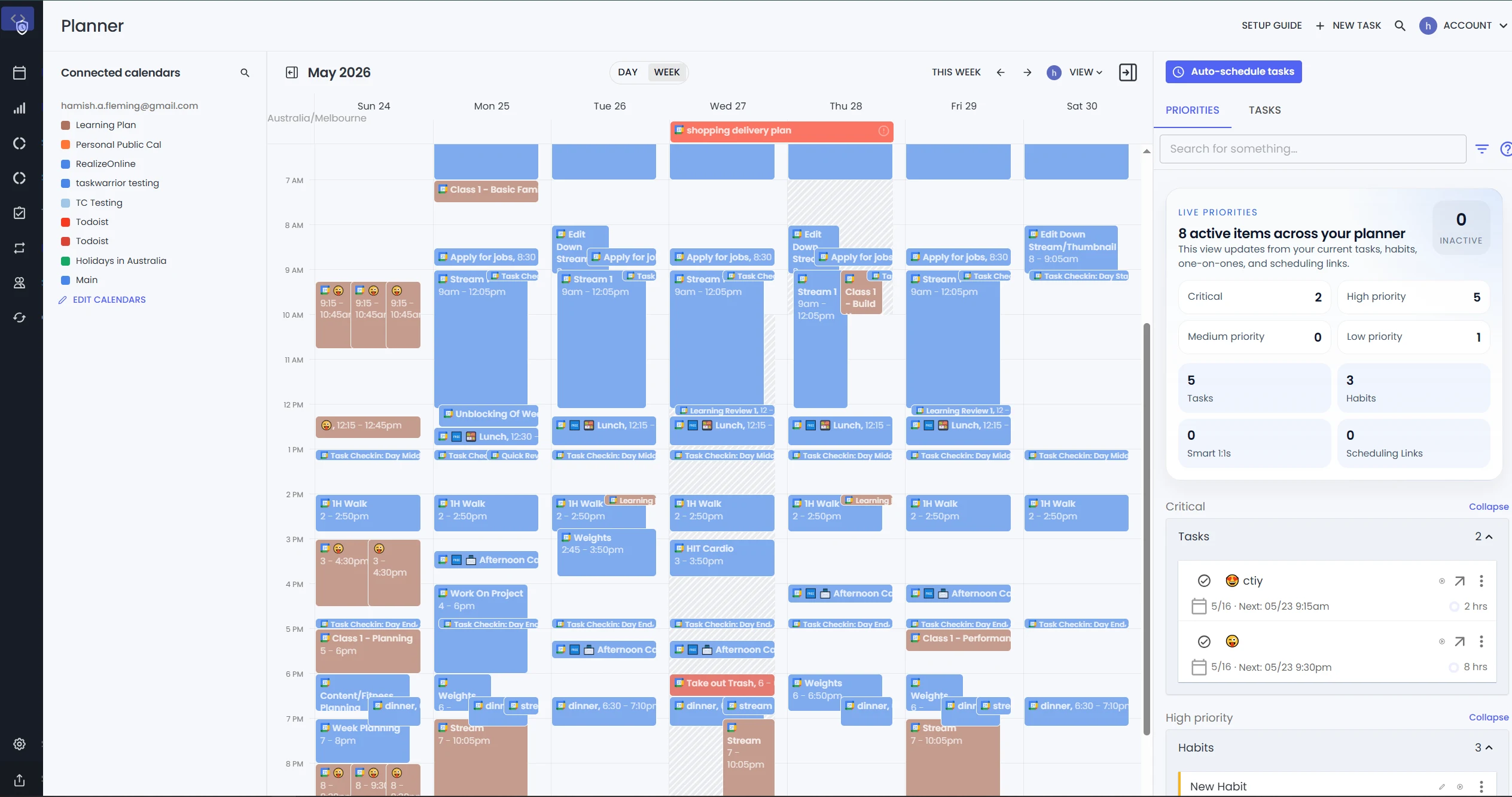
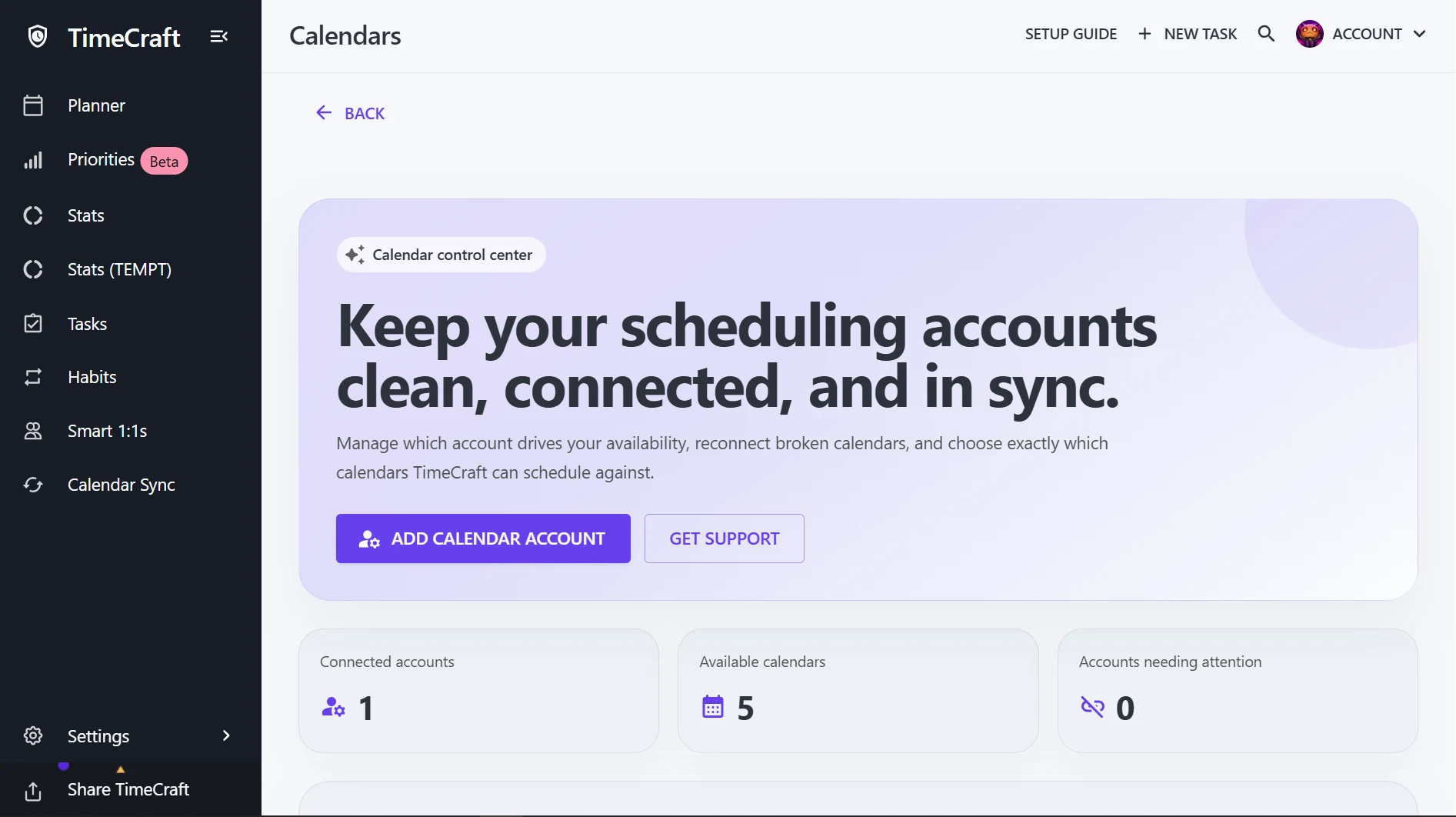
The planner puts calendar events and scheduled work side by side. Connected calendars appear alongside a weekly timeline, with tasks and priorities available in the same workspace. Auto-scheduling provides a starting point for organizing work around existing commitments.
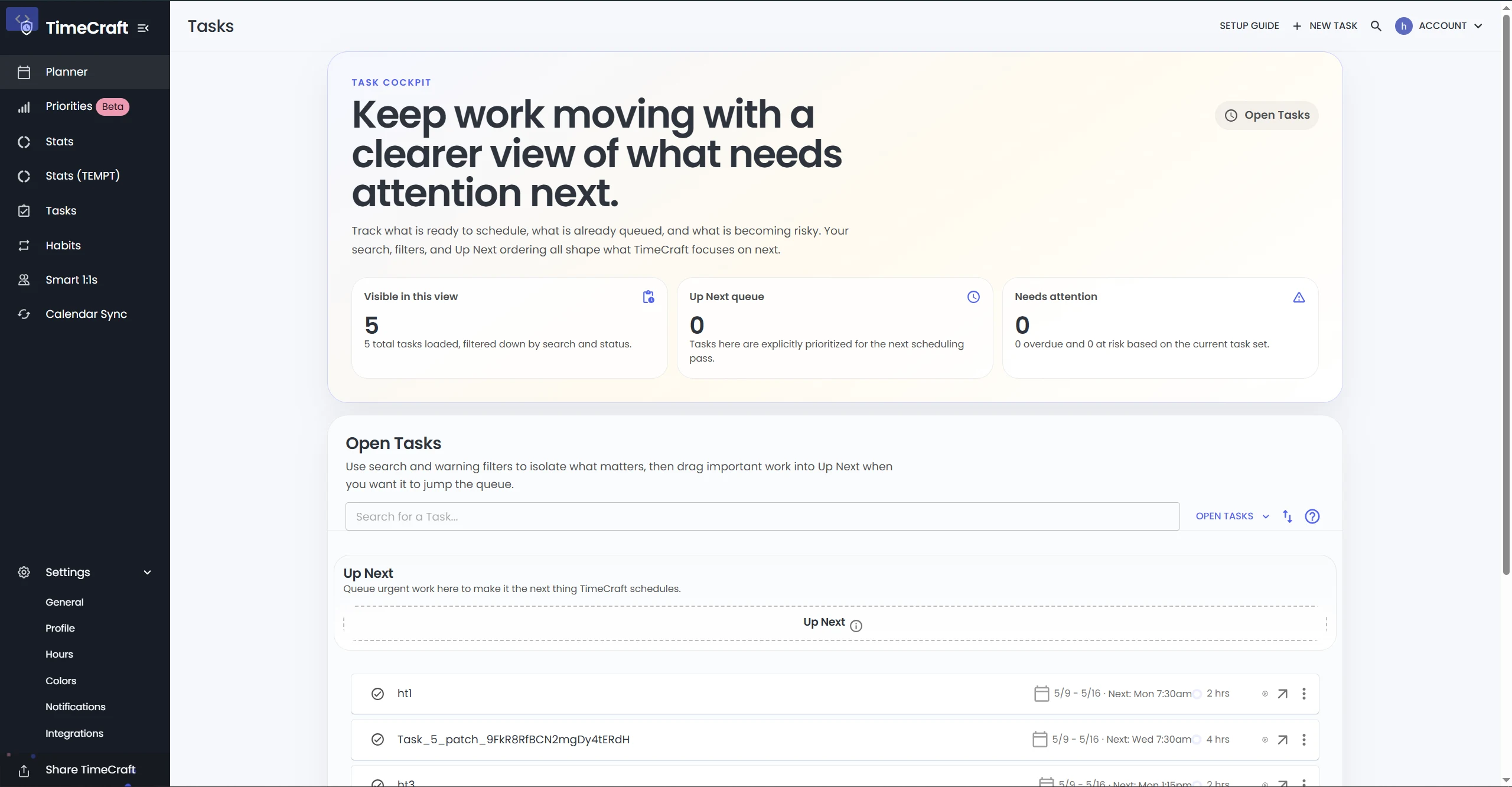
Tasks and calendar views
A dedicated task editor supports the planning workflow, while the calendar view gives another perspective on the schedule. Google Calendar synchronization runs through background services, and websocket updates connect the interface to changes in planner data.
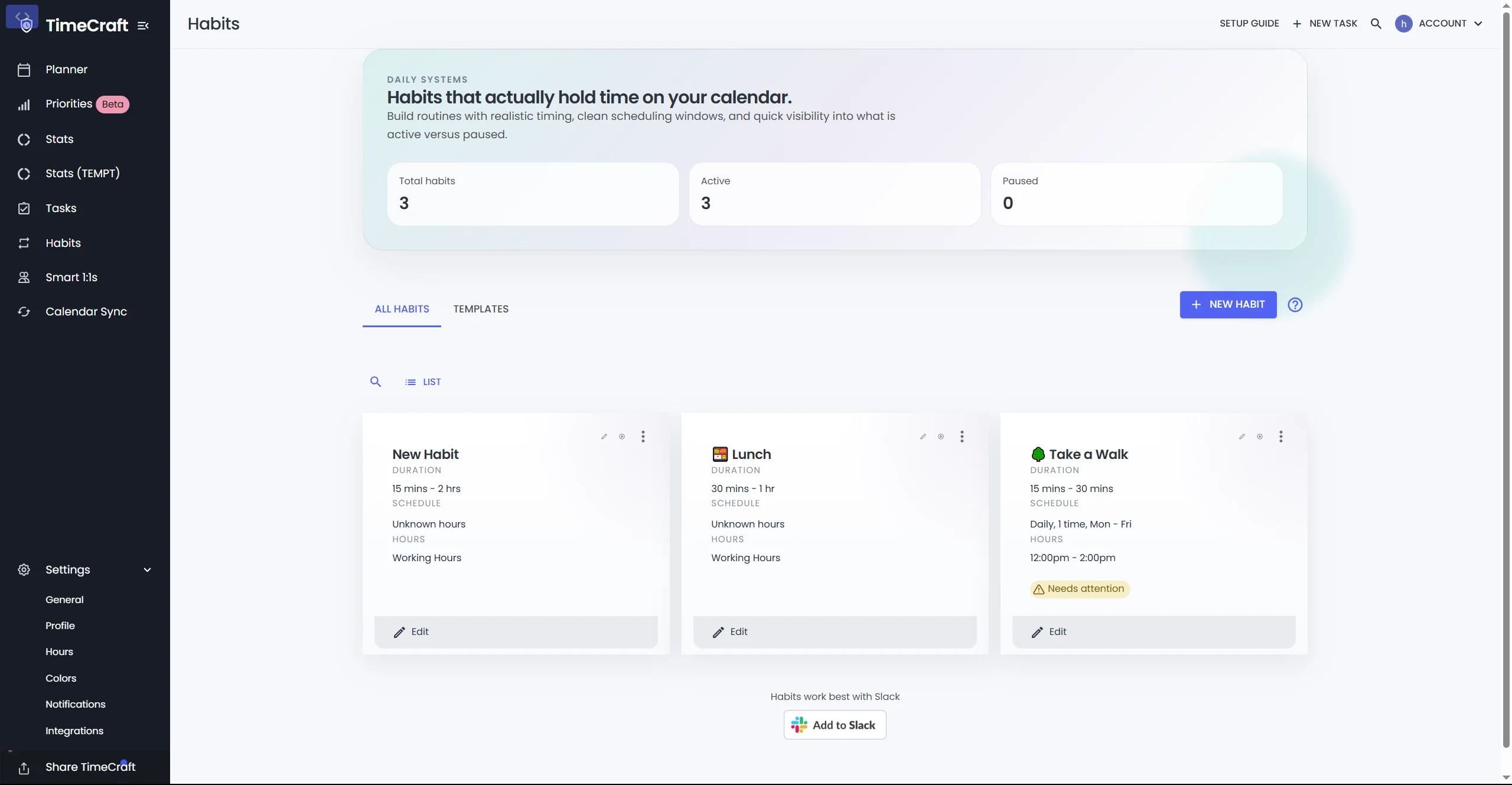
Habits alongside tasks
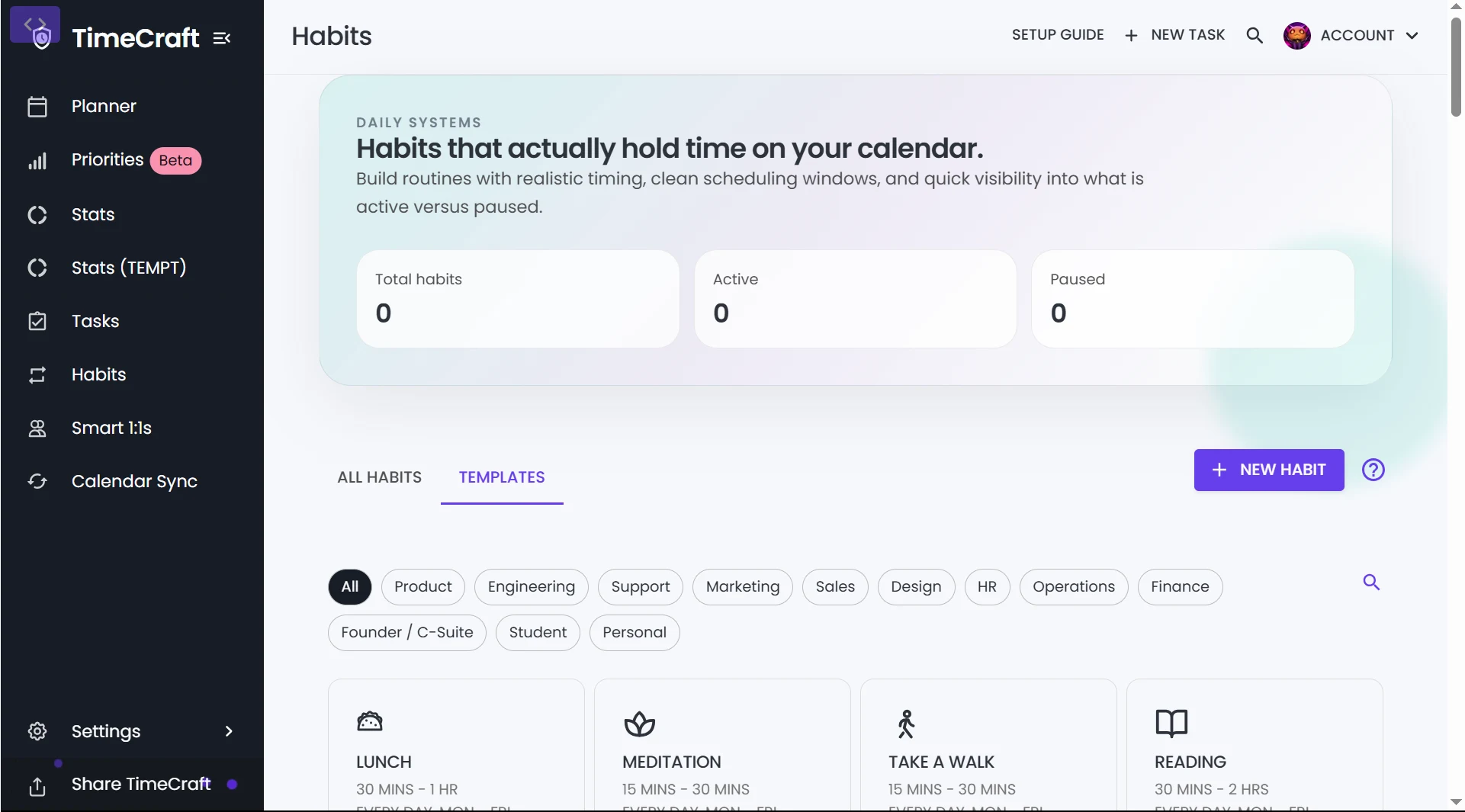
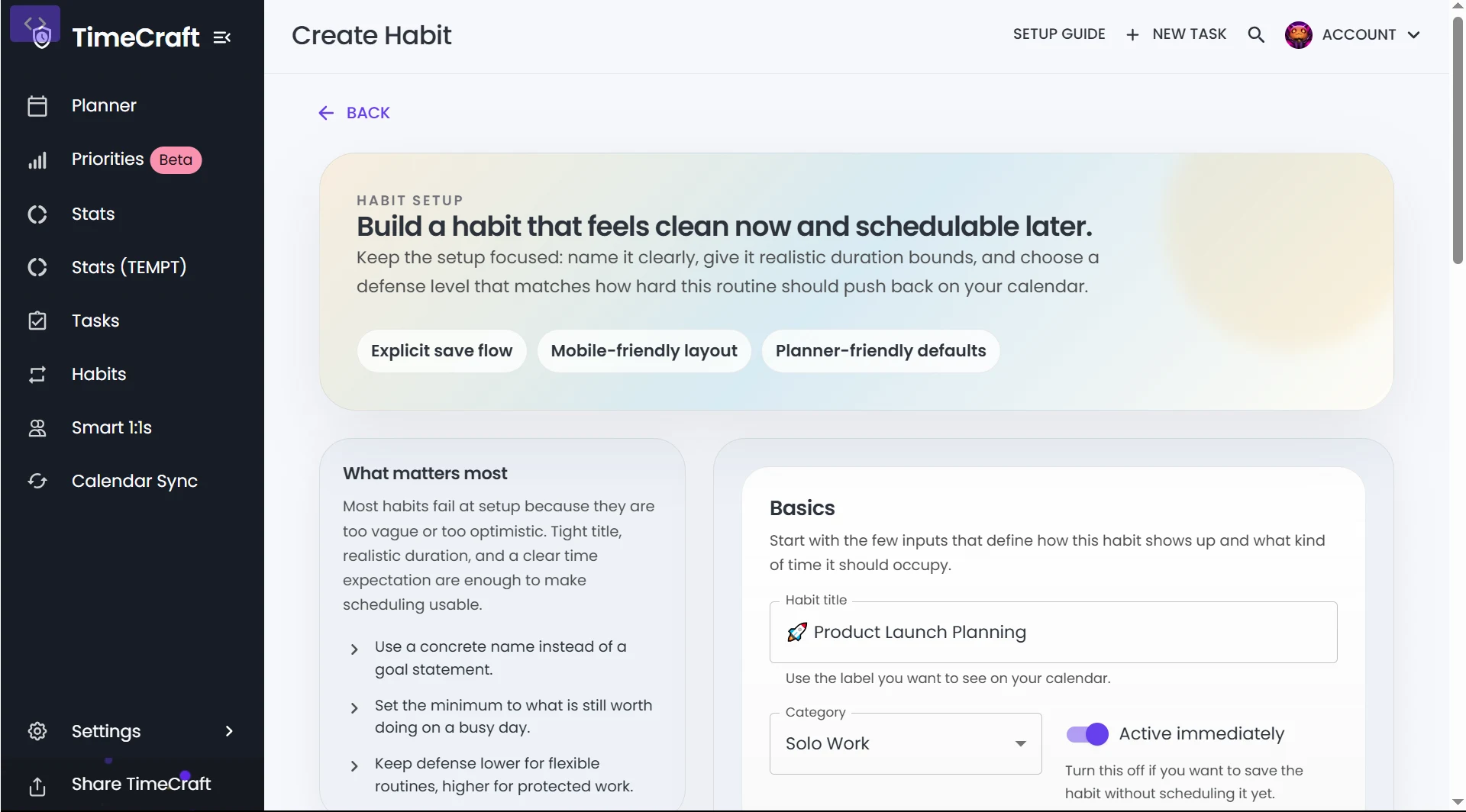
Habit views bring recurring routines into the planning experience. Separate overview, detail, and tracking screens make habits visible alongside the rest of the schedule.
Service architecture
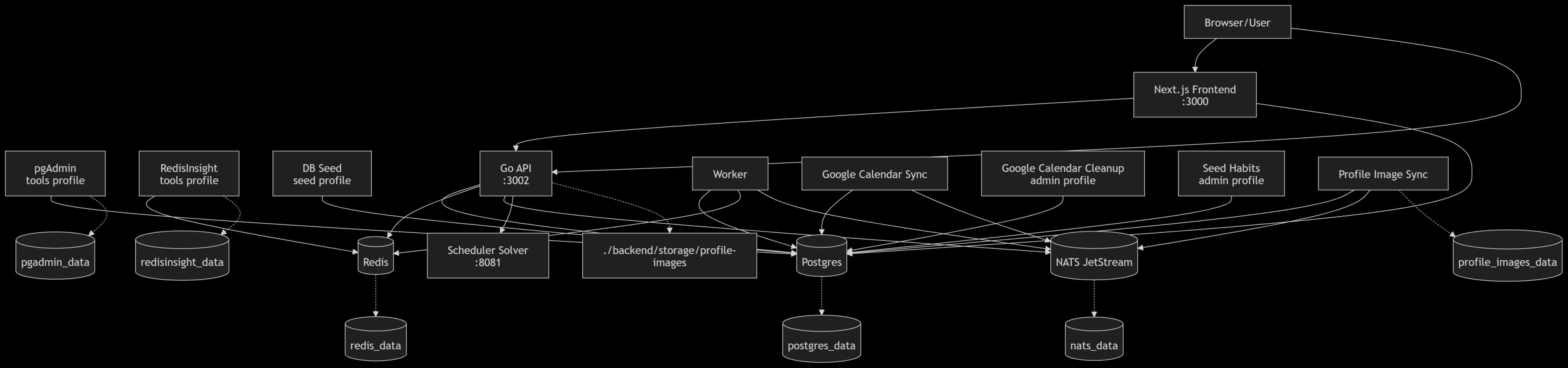
The system separates the interactive planner, background processing, and scheduling computation:
Next.js and Better Auth provide the interface and sign-in boundary.
Go API handles authenticated planner routes, websocket transport, and orchestration.
Background workers process domain events, synchronize Google Calendar, and synchronize profile images.
Java and Timefold solver handle scheduling computation in a dedicated service.
Postgres, Redis, and NATS support persistence, caching, and messaging across the stack.
Separating the solver from the API lets scheduling run independently of request handling. Background services handle synchronization work while the frontend receives live updates through the Go backend.
Running the stack
Docker Compose defines the local infrastructure. The repository includes the frontend, Go API and worker entry points, the scheduler service, and documentation for authentication, websocket behavior, and solver integration.Explore the source and setup instructions on GitHub.