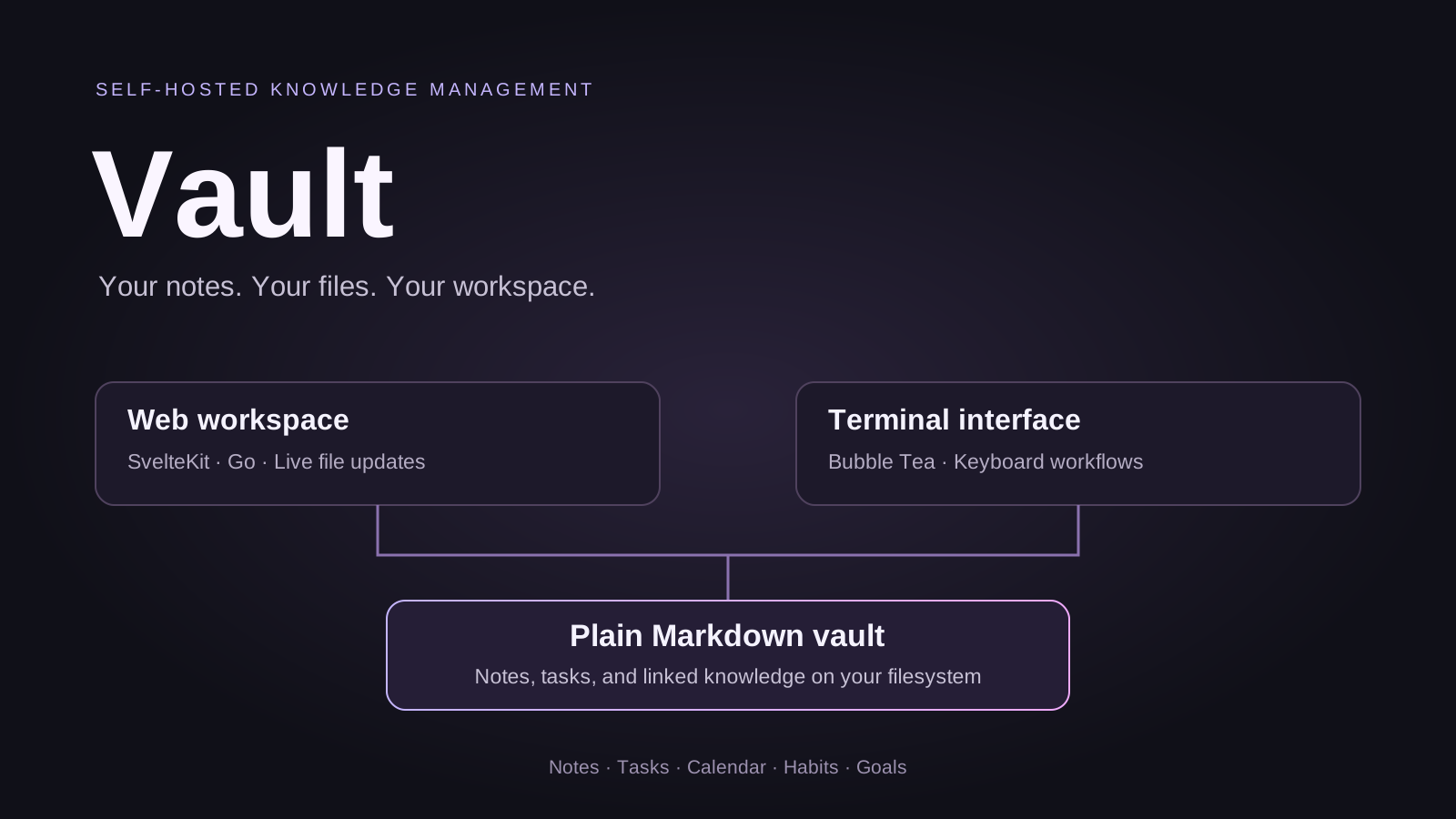
Vault brings knowledge management and everyday planning into a self-hosted workspace. Notes live as ordinary Markdown files in a directory you control, alongside tasks, calendar entries, habits, goals, and daily routines.A vault can also be opened in other Markdown tools. Application state that does not belong inside a note is stored separately in a .granit/ folder within the vault.
The web editor combines Markdown editing and previews with wikilinks, backlinks, tags, templates, and typed objects. Notes can represent projects, people, books, meetings, and other kinds of knowledge.Tasks remain checkbox lines inside the source files. List, kanban, triage, and review views organize those tasks without moving them into a separate proprietary store. Calendar views, recurring tasks, habit tracking, and daily notes connect planning with the underlying knowledge base.
Web and terminal interfaces
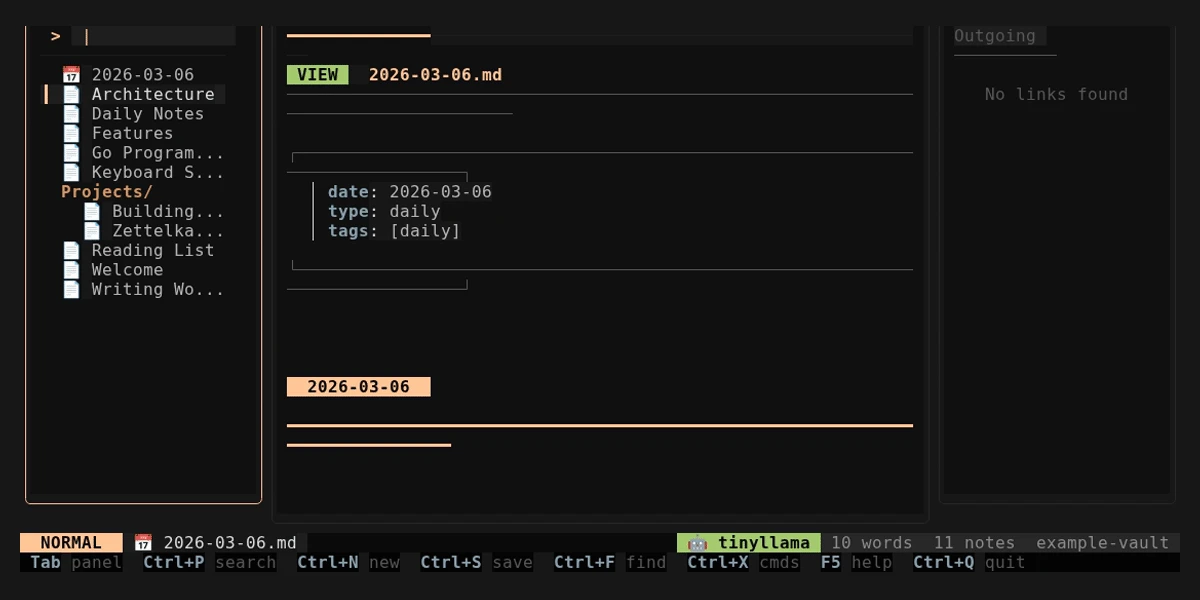
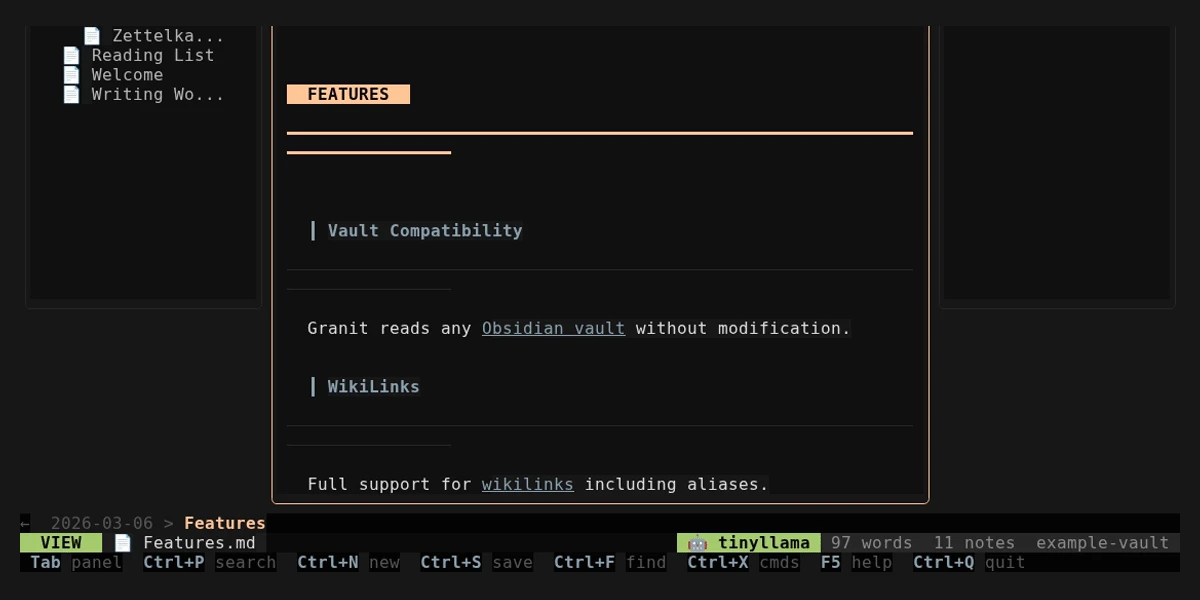
The browser workspace uses SvelteKit and CodeMirror, while a Bubble Tea terminal interface supports keyboard-driven workflows. Both operate on the same vault directory.Filesystem changes are detected by a watcher and broadcast to connected browsers over WebSockets, including edits made in external editors.The following screenshots come from the repository’s terminal interface; they show the file-based workflow rather than the web frontend.
One binary, a local vault
A Go server embeds the built web application, serving the interface and API from one executable. The application is designed for a single person per instance, with password authentication and per-device sessions.Atomic file writes protect note saves, while history snapshots provide a way to browse and restore earlier versions. Docker deployment and optional Git synchronization support different self-hosting setups.
Optional AI workflows
The repository includes selection-based writing actions, streaming chat, and a day-planning agent. Ollama and OpenAI integrations are optional. Agent tools distinguish between reading and writing, and the day-planning flow previews changes before applying them.
Explore the project
The linked repository retains its Granit naming, including the granit command and .granit/ state directory. Its README covers building the embedded web interface, running the terminal application, and deploying a vault.Read the source and setup documentation.